
← All works Works · 04
Lecture Learning
Give it one well-made lecture video and it writes up the content, how it was made and how it was spoken, each on its own.
01The problem
After a good lecture, all that sticks is “that was good”. What it said, how the screen was laid out, how the speaker talked: it fades fast, and going back means watching from the top.
02How it works · 3 steps
Drop it in
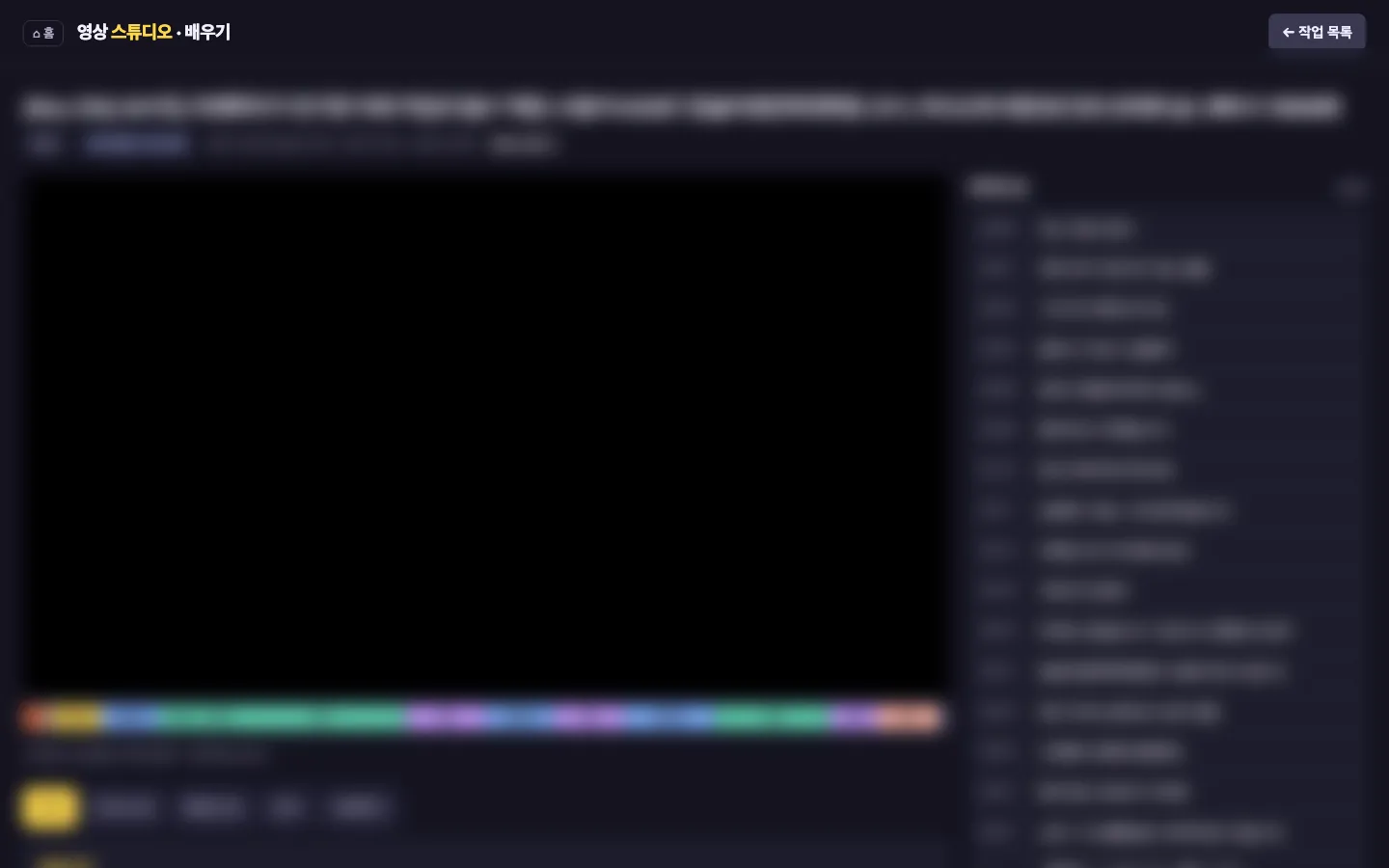
The video is cut into sections on a colour-coded timeline.
Read it three ways
A content summary, how it was made (structure, visuals, editing) and the speaking craft (openings, emphasis, pace), kept apart.
Keep the notes
Study notes with a timestamp on every section, so the scene you want is easy to find again.
03Screens
04Stack
- A video-capable AI model
- Python
- Local web UI on a Mac
- Built with an AI coding tool
05Status
Running
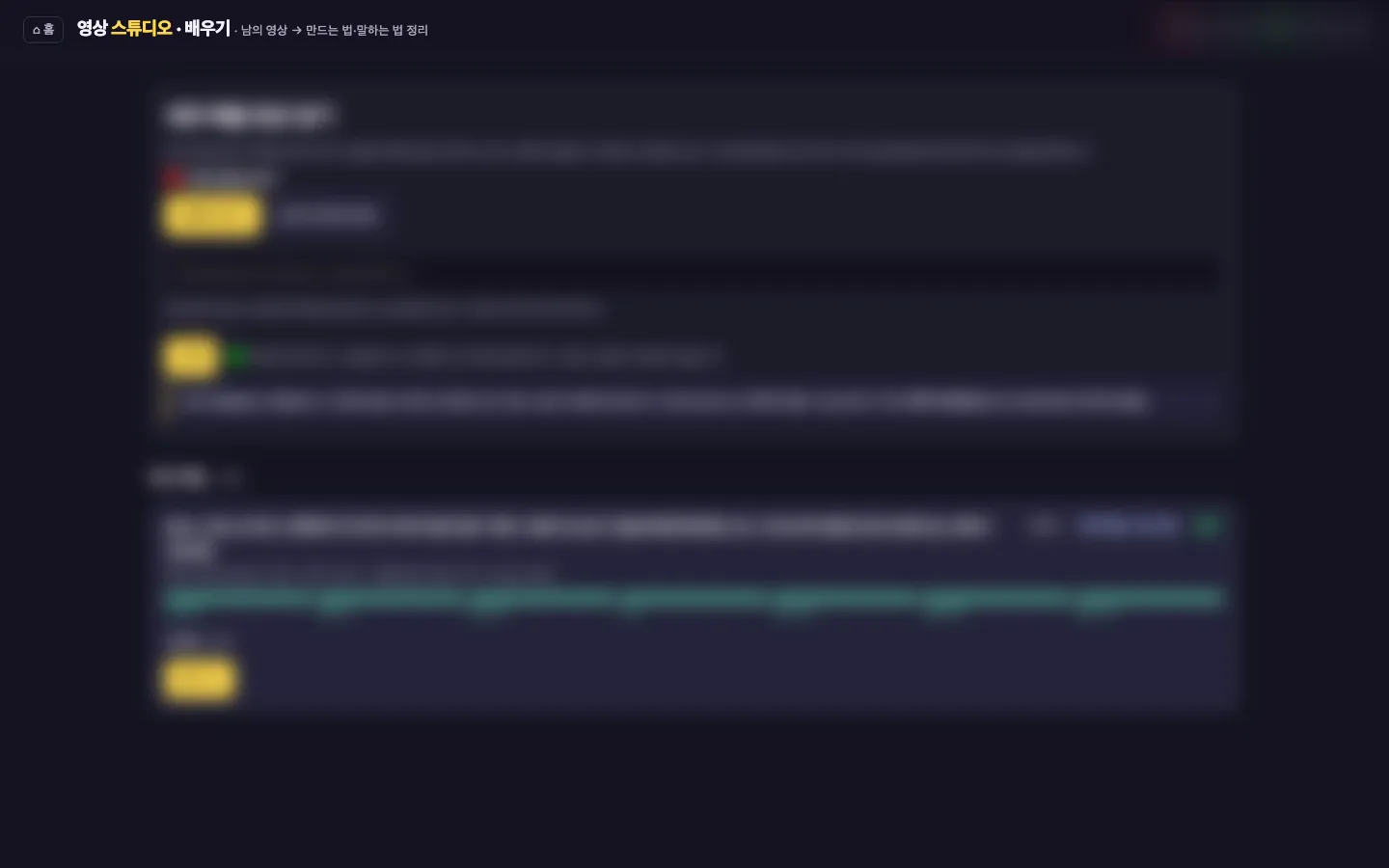
It is one of the menus inside the video studio. Lecture titles and notes are blurred.